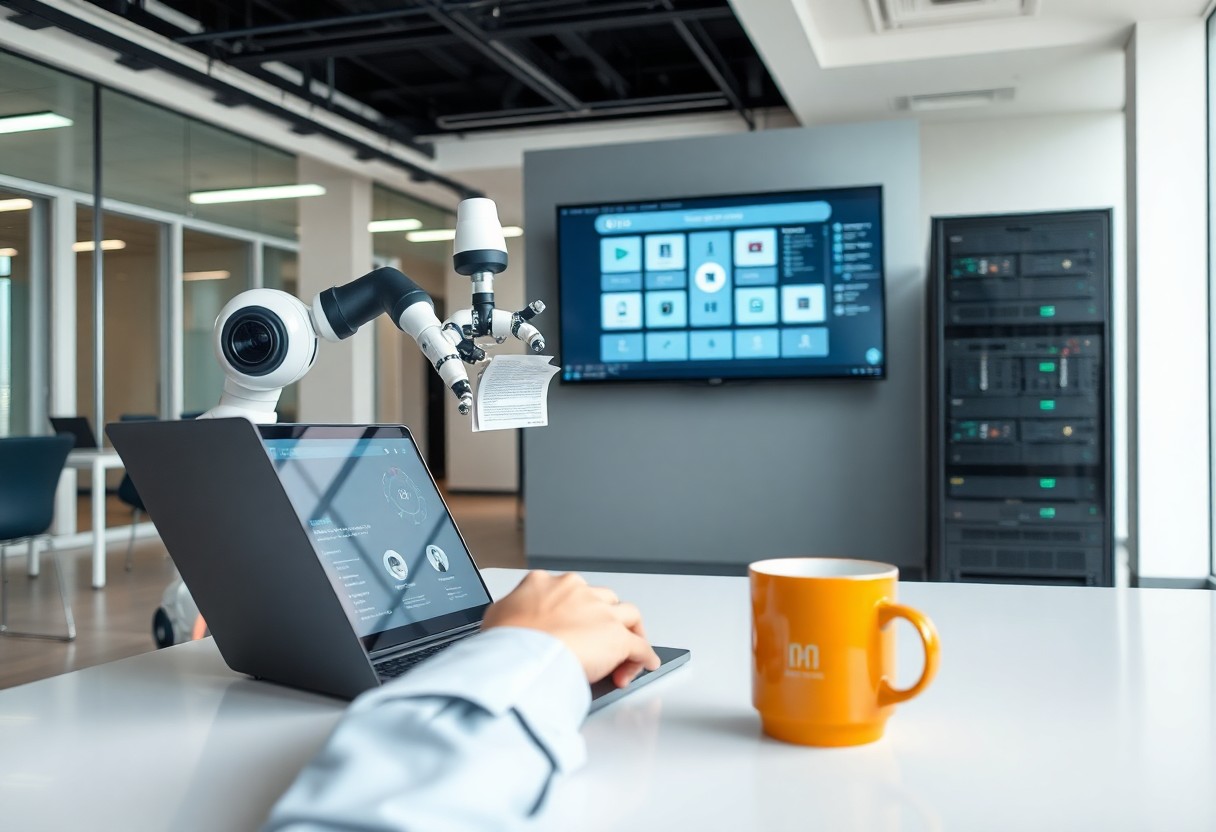
AI automation is changing everyday knowledge work mostly at the level of tasks, not whole jobs. Well-defined tasks whose output is easy to check, such as extracting data, sorting messages, or writing routine code, are increasingly handed off entirely. Messier work is done with AI as a collaborator, with a person steering and checking. So far, the effect on jobs shows up most clearly at the entry level, and the skills gaining value are the ones around the AI: specifying work, verifying it, and owning the result.
That’s the short answer. Below is what the more reliable data sources show, a simple way to predict which of your own tasks will be automated or augmented, and what it means if you write software for a living.
What the data shows
Most claims about AI and work are predictions. A few sources measure what’s actually happening, and they’re worth reading directly rather than through headlines.
Adoption is now the norm. Stanford’s 2026 AI Index reports that organizational adoption of AI reached 88%. For most workplaces, the question is no longer whether AI is in use but how.
People collaborate; systems automate. Anthropic’s Economic Index report from January 2026 classifies conversations with its Claude models as either augmentation (a person iterating, learning, or getting feedback) or automation (handing over a task with little back-and-forth). In its November 2025 sample, 52% of conversations in the Claude.ai app were classified as augmentation and 45% as automation. Through its API, which businesses use to build AI into their own products and workflows, about three-quarters of interactions were classified as automation. The same report found that more complex tasks brought bigger time savings but lower success rates.
The pattern makes sense. A person in a chat window tends to work with the model. A company wiring a model into its systems usually wants to take a task off people’s plates entirely.
Early-career workers feel it first. In “Canaries in the Coal Mine?”, researchers at the Stanford Digital Economy Lab analyzed payroll data covering millions of US workers, with a revised version published in August 2026. They found that employment of workers aged 22 to 25 in AI-exposed occupations stands 19% below where it would be had it kept pace with less-exposed peers, while more experienced workers show no comparable gap. The declines are concentrated in occupations where AI mainly substitutes for human tasks. Where AI mainly complements workers, employment is flat or rising. The authors present these as early descriptive findings, not proof of cause.
For developers, AI is daily tooling. In Stack Overflow’s 2026 Developer Survey, 73% of respondents said they use coding assistants and agents daily. Their trust is conditional: 48% said they trust AI when they can easily validate its answers.
Each source has limits. Anthropic sees only its own users. Payroll data shows patterns, not causes. Survey respondents choose to take part. Read together, though, they point the same way: AI is in nearly every workplace, it’s taking over some tasks completely, and early-career workers are where the effects show first.
Automated, augmented, or still human
You can predict how AI will affect most of your tasks with two questions. How well specified is the task? And how cheap is it to check the result?
| Cheap to check | Expensive to check | |
|---|---|---|
| Well specified | Automated. Extracting fields from documents, categorizing messages, converting formats, transcribing meetings, generating code that existing tests cover. | Augmented, with careful review. Summarizing contracts, data migrations, drafting policy text, changes to billing or security code. |
| Open-ended | Augmented. Brainstorming, first drafts, exploring an unfamiliar library, throwaway prototypes. | Mostly human. Setting priorities, architecture trade-offs, negotiating, handling an upset client, decisions someone must answer for. |
The top-left box is where automation moves fastest, because a business can run the task thousands of times and catch errors with simple rules. The bottom-right box changes slowly. That’s not because a model can’t produce an answer. It’s because someone has to own the consequences of acting on it, and checking the answer means redoing much of the thinking.
The boundaries move as models improve and as teams build better checks. A task becomes automatable once someone writes down its rules precisely enough to verify the output. That’s a useful lens on your own job: the parts you could describe as a checklist are the parts most likely to be automated.
What this looks like day to day
- Meetings: transcripts, summaries, and action-item lists are increasingly produced automatically. Deciding what the meeting actually concluded, and following through, is still yours.
- Email and messages: sorting, routing, and first drafts are automated or AI-assisted. Anything sensitive still gets written and read carefully by a person.
- Research: AI does the first pass of finding and summarizing. Checking that sources exist and say what the summary claims is now part of the job.
- Reporting: pulling data and formatting charts is automated. Explaining what changed and what to do about it isn’t.
- Code: boilerplate, tests, and routine refactors are increasingly delegated. More on that below.
Skills that matter more now
- Specifying work clearly. Writing a brief with context, constraints, examples, and a definition of done. It’s the same skill as writing a good ticket for a colleague, and it now shapes the quality of most AI output.
- Verifying output. Knowing what correct looks like, designing quick checks, and catching results that are almost right. The survey data on trust says it plainly: AI is most useful to the people who can validate its answers quickly.
- Domain knowledge. You can’t check what you don’t understand. Deep knowledge of a business area, a codebase, or a regulation gains value as producing text and code gets cheaper.
- Workflow design. Breaking a process into steps and deciding where AI fits, where a plain rule works better, and where a person must review. If you’ve never done it, building a small AI automation workflow is the quickest way to learn the shape of the problem.
- Judgment about data and risk. Knowing what information can go into which tool, and which actions should never run without a person.
- Communication and ownership. Explaining a decision, persuading a stakeholder, and taking responsibility when something breaks. Software can’t be held accountable; people can.
Skills that matter less: memorizing syntax and API details, producing boilerplate, and writing first drafts from a blank page. They’re not worthless, but they no longer set you apart.
What this means for software engineers
Software engineering is one of the clearest test cases, because code is text with built-in checks: it compiles or it doesn’t, and tests pass or fail. In Stack Overflow’s 2026 survey, the most common uses of AI include generating code in a familiar area (69% of respondents), debugging, troubleshooting, or refactoring (64%), and writing or improving tests (58%).
Review becomes the bottleneck. When code arrives faster, the scarce resource is someone who can read it critically. Does it handle the edge cases? Does it fit the architecture? Does it quietly introduce a security hole? Code review, testing, and design move from supporting skills to central ones. If your reviews tend to be quick approvals, this practical guide to code reviews is a good place to tighten them.
Benchmarks overstate the change. The AI Index reports that performance on SWE-bench Verified, a key coding benchmark, rose from 60% to near 100% in a single year. Benchmark tasks are well specified and graded by tests, which puts them squarely in the “automated” box. Real projects add vague requirements, legacy constraints, production data, and people who disagree. AI helps there too, but mostly as a collaborator.
The entry level is under the most pressure. The payroll research is a warning for junior developers in particular. Tasks that used to train juniors, like small bug fixes, CRUD endpoints, and test scaffolding, are exactly the well-specified, checkable work AI handles well. That doesn’t close the door, but it changes what gets you through it:
- Learn the fundamentals you’ll check AI output against: debugging, reading unfamiliar code, HTTP, SQL, and testing.
- Work without AI some of the time, so you know which parts of a solution you actually understand. In the Stack Overflow survey, losing job skills was one of the top concerns among people who cited a reason to avoid AI, and it’s a fair concern.
- Show judgment, not just output. A portfolio project with a write-up of the trade-offs you made, including the AI suggestions you rejected and why, says more than another generated app.
- Get close to users and requirements, the open-ended part of the work where AI is weakest.
There’s new work, too. Someone has to build the automations, integrate LLM APIs into products, write evaluation sets, and keep AI features reliable in production. Engineers who understand both the business process and how models fail are well placed for it. For the longer arc of growing into those responsibilities, see the junior-to-senior career roadmap.
A three-month plan
- Weeks 1–2: audit your own work. List the tasks you did over two weeks and place each in one of the four boxes above. Be honest about which ones you could describe as a checklist.
- Weeks 3–6: delegate deliberately. Hand two “automated” tasks to AI fully, each with a check you trust. Use AI as a collaborator on two “augmented” tasks. Write down every place it failed.
- Weeks 7–10: invest in verification. For every AI-generated change you ship, add or run a test. Keep a running log of the errors you caught; it becomes your personal map of where models go wrong.
- Weeks 11–13: go deep on one area. Pick the domain or system closest to your work and learn it below the surface. That’s knowledge AI can’t supply on your behalf.
Repeat the audit every few months, because the boxes shift. A steady learning habit matters more than any single tool, and How Software Engineers Keep Their Skills Current covers how to make one sustainable.